

eFlorist Blog
Get inspired and grow your flower business with Teleflora eFlorist
-
5 Tips to Boost Your eFlorist Product Descriptions for Better SEO
Read More »: 5 Tips to Boost Your eFlorist Product Descriptions for Better SEOIf you run your shop on eFlorist, every product description is editable inside eSAT, giving you full control over how your arrangements appear online. A thoughtful description does more than just explain what’s in the bouquet—it improves your SEO, helps more customers find you in Google searches, and increases sales. Here are five practical tips…
-

How to Grow your Brand Presence as a Florist
Read More »: How to Grow your Brand Presence as a FloristThere’s a lot of chatter on the internet, from marketing companies, and even amongst fellow shop owners about the importance of having a strong brand presence as a florist. Does this sound familiar: “With a stronger brand presence, your pay-per-click marketing would be cheaper”? Or even “I live near 4 other shops but I always…
-
Do Promo Codes Boost Flower Sales?
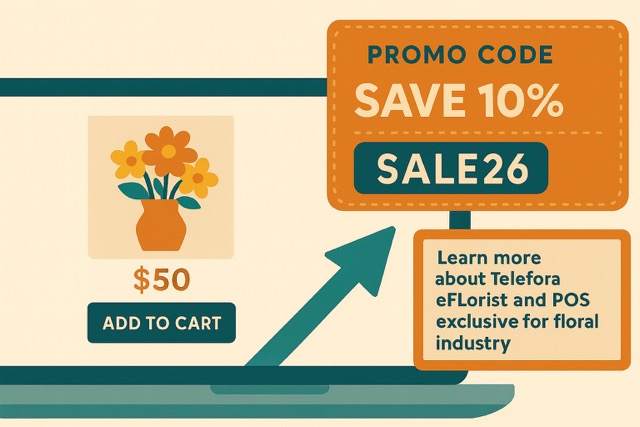
Read More »: Do Promo Codes Boost Flower Sales?Boost Sales & Attract Customers: The Power of Promo Codes for Florists Looking to grow your floral business without spending big? Promo codes boost flower sales, and they are a simple, powerful tool that can deliver fast results. Whether you’re looking to attract new customers, reward loyal clients, or boost seasonal sales, promo codes can…
-
3 Marketing Consultations Explained
Read More »: 3 Marketing Consultations ExplainedAt EFlorist, we know that marketing can feel overwhelming—especially when you’re also managing a busy flower shop. That’s why we offer three personalized marketing consultations to help you boost your online visibility, drive more orders, and make the most of your website. Whether you’re just getting started or already diving into SEO, there’s a consultation…
-
Online Advertisement For Florists
Read More »: Online Advertisement For FloristsBoost Local Sales with Online Search Marketing (OSM): A Smarter Way to Advertise Your Flower Shop If you’re a florist looking for more local customers, especially during peak seasons or while trying to grow your business, Online Search Marketing (OSM) might be the exact boost you need. Built for busy shop owners who don’t have…
-
How to Change Google Business Profile Hours
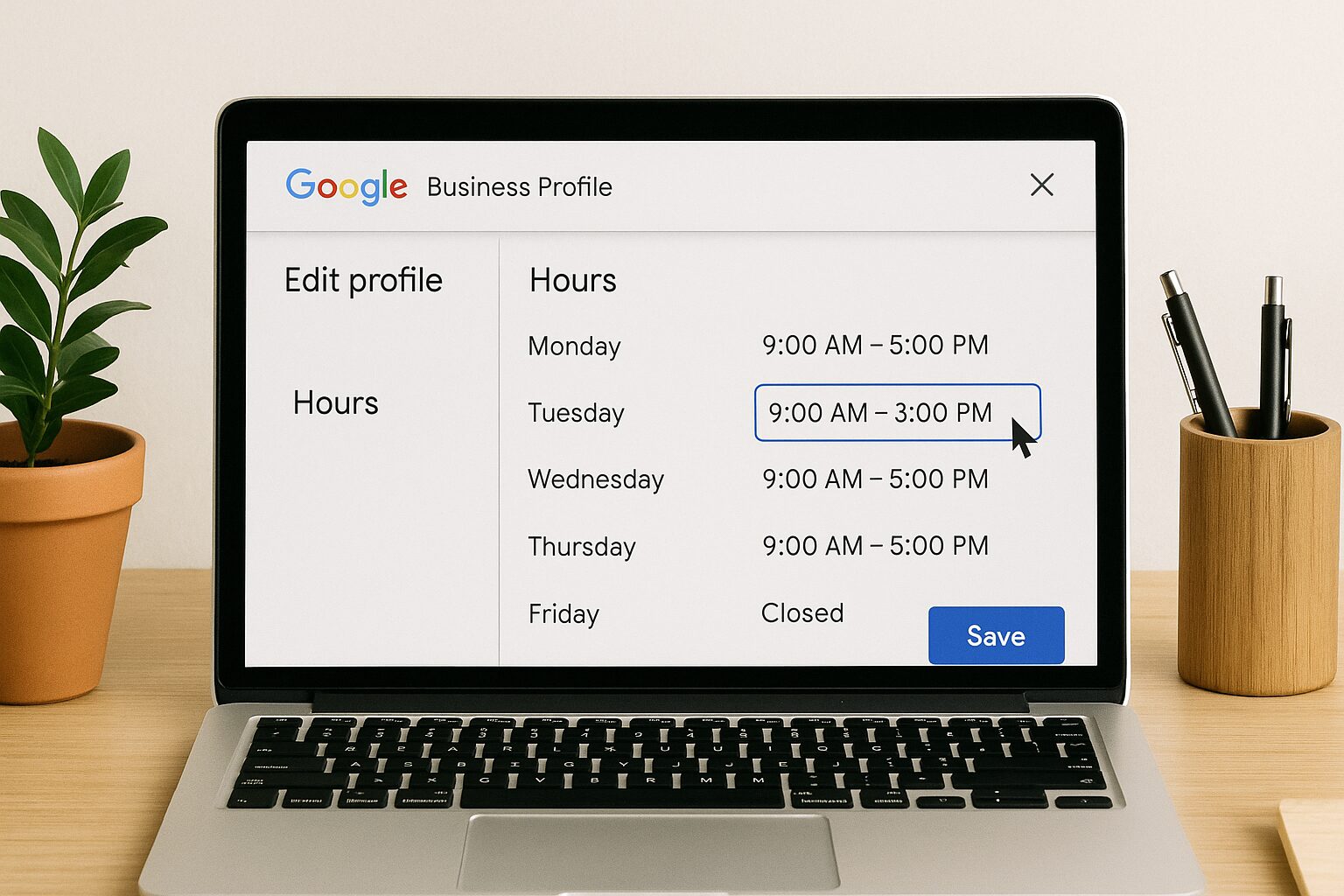
Read More »: How to Change Google Business Profile HoursAs a florist, your busiest days—Valentine’s Day, Mother’s Day, and the holiday season—bring a rush of customers searching for fresh flowers and fast service. One of the easiest yet most important ways to ensure they find you at the right time is by keeping your Google Business Profile (GBP) hours up to date. If your…
-
How to Customize Your eFlorist Emails
Read More »: How to Customize Your eFlorist EmailsEsat’s eMail Marketing Tool Email marketing is one of the most effective ways to engage customers and drive sales to your florist website, and with eFlorist’s built-in email marketing in eSAT, you get this powerful tool for free! eFlorist automatically collects customer email addresses through multiple touchpoints, including checkout, email footer sign-ups, new account registrations,…
-
How Google Reviews Boost Google Rankings
Read More »: How Google Reviews Boost Google RankingsAs a florist, your online reputation is everything. Potential customers rely on Google reviews to decide whether to trust your business, and Google’s algorithm rewards businesses with strong review profiles by ranking them higher in local search results. But generating more 5-star reviews (and responding to them effectively) takes strategy. That’s where our Review Manager…
-
How City Pages Help Your Florist Website’s Visibility
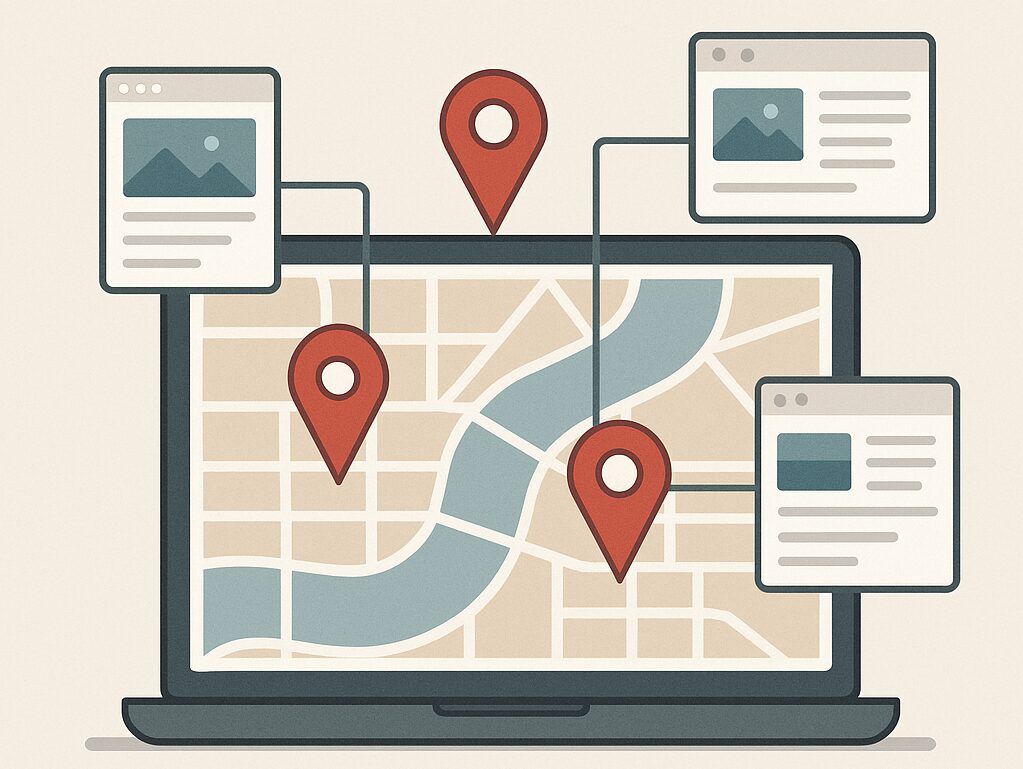
Read More »: How City Pages Help Your Florist Website’s VisibilityBoost Your Local SEO with City Pages from eFlorist Marketing In today’s competitive floral landscape, standing out online is just as important as creating beautiful arrangements. That’s where City Pages from eFlorist Marketing come into play. If you’re looking to grow your local customer base and improve your online visibility, these specialized pages are a…
-
Cultivate Your Online Presence: Tips for a Thriving Yelp Profile
Read More »: Cultivate Your Online Presence: Tips for a Thriving Yelp ProfileIn today’s highly competitive landscape, a strong online presence is more vital than ever for connecting with customers and showcasing the beauty of your work. Think of your Yelp profile as an extension of your digital storefront window, inviting potential clients to discover the unique offerings of your shop. Standing out on Yelp isn’t as…






What are you still waiting for?
Join Teleflora eFlorist now and you are already on your first step to success!