
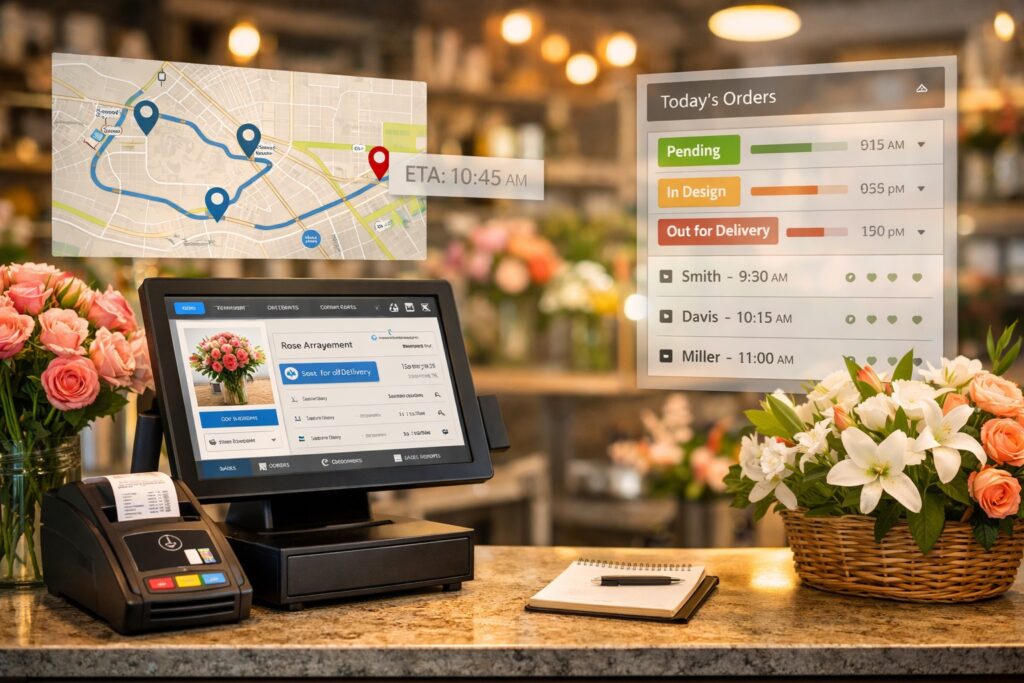
Running a flower shop isn’t like running typical retail. You’re juggling walk-ins, phone orders, web orders, wire service workflow, substitutions, enclosure cards, and time-sensitive deliveries—often at peak volume during holidays. That’s why choosing a purpose-built flower shop POS can be one of the most impactful upgrades you make for speed, accuracy, and profitability.
A modern floral POS should do more than ring up sales. It should reduce mistakes, streamline delivery execution, and connect what your team does in-store with what customers see online.
Why florists need a specialized POS (not generic retail software)
Florists have workflow needs that many generic POS tools weren’t designed for—delivery zones, routing, order status tracking, and multi-channel order intake.
If you’re comparing solutions, start by reviewing:
- Feature bundles and options on Teleflora POS System Packages
- Common questions and workflows in the Teleflora Flower Shop Point of Sale FAQ
The must-have features in a florist POS system
When evaluating a florist point of sale, look for these operational pillars:
1) Order management that matches real flower shop workflows
A florist-ready POS should support the way your shop actually works:
- Local & walk-in orders
- Wire service orders (incoming and outgoing)
- Web orders without re-keying tickets
- Order statuses your team can rely on (designed, on-truck, delivered, on-hold)
To see how these are commonly packaged, compare the feature sets on Teleflora POS System Packages.
2) Delivery management that prevents late orders (and angry calls)
Delivery is where profit can disappear fast. The right POS stack should help you:
- Assign drivers quickly
- Route efficiently with turn-by-turn directions
- Update delivery status in real time
- Notify customers automatically when deliveries are completed
If delivery is a big part of your day, review Floral Delivery Management POS Solutions and the deeper breakdown in Flower Delivery Management: Delivering Quality & Success.
3) Payments that are fast, secure, and flexible
Peak days punish slow checkout. Look for support for:
- Modern payment terminals
- Contactless payments
- Smooth refunds/voids and clean end-of-day reconciliation
Many of these capabilities are covered in the feature tiers on Teleflora POS System Packages.
4) Inventory + product control that supports seasonality
A good floral POS helps you stay nimble with pricing and product changes:
- Quickly mark items active/inactive
- Adjust prices without headaches
- Keep product lists organized for your team
If your online catalog is part of your operation, pairing POS + website tools matters (more on that below).
5) Reporting that helps you run the business (not just survive the day)
You want reporting that answers real questions:
- What’s actually selling this week?
- Which products are driving margin?
- Which customers are repeat buyers?
- What delivery zones are most profitable?
A quick way to sanity-check reporting and operational tools is comparing what’s included across Teleflora POS System Packages.
The biggest differentiator: website + POS integration
If your website and POS don’t talk to each other, you end up managing two catalogs, two pricing systems, and two sets of customer records—usually during your busiest weeks.
When your flower shop point of sale integrates with your website, you can reduce duplicate work and keep online and in-store operations aligned.
Start here:
- Overview of how online + in-store tools connect: eFlorist POS System Integration
- What a high-performing website should include: Our Website Features and Marketing Tools
What “integration” should mean in practice
A real integration should help you:
- Maintain product/pricing consistency across POS + website
- Reduce errors from manual updates
- Keep delivery fees and zones accurate
- Unify customer accounts and order history
Bonus: Make your website easier to manage (without extra work)
A POS decision often becomes a “whole system” decision—because your website is your digital storefront. Choose the Right Florist Point of Sale System.
If you want more control without constant support tickets, explore:
- The website self-admin tool: eSAT
- Hands-on ways to personalize your site: Customizing your eFlorist Website
- Layout options for seasonal merchandising: Homepages and Themes
- Bigger-picture strategy: Creating a Successful Florist Website
A quick checklist before you commit to any POS
Use this list when comparing systems:
- Can it handle walk-ins, phone orders, wire, and web orders cleanly?
- Does it include real delivery tools (routing + real-time status)?
- Can it send customer delivery notifications?
- Can you manage products/prices efficiently across channels?
- Are reporting tools strong enough to guide decisions (not guesses)?
- Is support available when you need it most (especially during holidays)?
For a feature-by-feature view, reference Teleflora POS System Packages.
Getting set up without disrupting the shop
Implementation doesn’t have to be painful—if you plan it around your calendar.
A practical rollout plan:
- Set up your core products, add-ons, and delivery zones first
- Train staff on daily workflows (order entry, status updates, delivery handoff)
- Run parallel briefly to validate tickets, payments, and reporting
- Go live before peak season so no one is learning during the rush
If you want help mapping the right setup for your shop, use Contact Us to get the conversation started.
FAQ: Flower Shop POS Systems
Choose the Right Florist Point of Sale System. The difference between a florist POS and a general retail POS:
A florist POS is built around delivery routing, time-sensitive orders, and florist-specific order details. For common workflow questions, see the Teleflora Flower Shop Point of Sale FAQ.
Can a POS help reduce delivery issues?
Yes—especially when it supports driver assignment, turn-by-turn routing, and real-time delivery status updates. Explore Floral Delivery Management POS Solutions for the delivery workflow.
Why does website integration matter so much?
Because it reduces double work and prevents mismatches between what customers buy online and what your team fulfills in-store. Start with eFlorist POS System Integration and review Our Website Features and Marketing Tools.
Where can I learn more about POS and florist software topics?
Browse the learning hubs:
Conclusion: Choose a POS that runs the whole shop—not just the register
The right system supports your entire operation: orders, deliveries, payments, customer management, and reporting—while also connecting what happens online to what happens in-store.
Choose the Right Florist Point of Sale System. If you’re evaluating options now, start by reviewing a florist-built flower shop pos system designed to scale with your shop and streamline daily operations.
Next step: Learn more and request details here: Contact Us.