
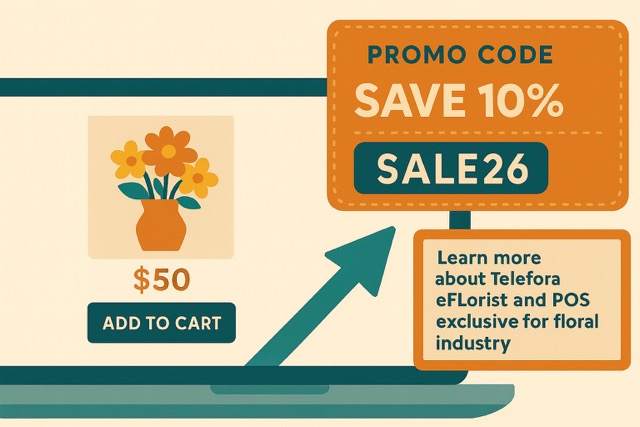
Boost Sales & Attract Customers: The Power of Promo Codes for Florists
Looking to grow your floral business without spending big? Promo codes boost flower sales, and they are a simple, powerful tool that can deliver fast results. Whether you’re looking to attract new customers, reward loyal clients, or boost seasonal sales, promo codes can help you achieve your goals.
Here’s why your floral business should be leveraging promo codes—and how to use them effectively across multiple marketing channels.
Why Promo Codes Work for Florists
✅ Drive Immediate Sales – Limited time discounts create urgency, encouraging customers to purchase now rather than later.
✅ Attract New Customers – First time buyers are more likely to try your services when they see a special offer.
✅ Encourage Repeat Business – Reward loyal customers with exclusive discounts to keep them coming back.
✅ Boost Seasonal & Holiday Sales – Promo codes tied to holidays (Valentine’s Day, Mother’s Day, Christmas) can significantly increase order volume.
✅ Track Marketing Success – By assigning unique codes to different campaigns (email, social media, Google), you can measure which channels perform best in your eSAT account.
Add Your Heading Text Here
1. Google Business Profile Updates
Keep your Google listing fresh by posting promo codes as “Updates.” This ensures local customers see your deals right in search results. Log into your Google Business Profile by visiting business.google.com.
Example Post:
🌷 Spring into savings! Use code SPRING15 for 15% off all floral arrangements this month. Order now at [Your Website]!
2. Email Campaigns (Customizable in your eSAT account)
Teleflora’s eSAT Advanced makes it easy to add promo codes to your email marketing.
How to Add a Promo Code to Emails in eSAT:
- Log in to eSAT
- Click ‘Marketing and Promotions’
- Select ‘Marketing Email Management’
- Click the pencil icon next to the email you want to edit
- Update the Subject Line, Promo Code, or Products
- Save & activate!
Email Example:
“Exclusive Offer Just for You! 🌹 Use code LOVE20 for 20% off Valentine’s Day bouquets. Shop now before time runs out!”
3. Website Pop Ups (Via eSAT Modal Management)
Capture visitors’ attention with a promo code pop up on your website.
How to Set Up a Pop Up in eSAT:
- Go to eSAT > Content Management > Modal Management
- Create a new modal or edit an existing one
- Add your promo code & a compelling CTA (e.g., “Get 10% Off Your First Order! Use code WELCOME10 at checkout.”)
4. Social Media Promotions
Run exclusive deals on Facebook, Instagram, and Pinterest to engage followers and drive traffic.
Post Example:
“Fall in love with our autumn arrangements! 🍂 Use code FALL10 to save $10 on your next order. Follow us for more floral deals!”
How to Create a Promo Code in eSAT
Setting up a promo code is simple:
- Log in to eSAT
- Navigate to Marketing and Promotions > Promotion Codes > Advanced Promo Codes
- Click “Add New Promo Code”
- Configure:
- Code Name (e.g., SUMMER10)
- Discount Type (% or $ off)
- Start/End Date
- Minimum Order Value (if applicable)
- Save & start promoting!
Final Tips for Maximizing Promo Code Success
🔹 Keep codes short & memorable (e.g., BLOOM10 instead of FLOWERS2024XYZ)
🔹 Use urgency – “Limited time only!” or “First 50 customers!”
🔹 Promote across multiple channels (email, social, Google, SMS)
🔹 Track performance – Adjust codes based on what drives the most sales
I stand by my claim that promo codes boost flower sales. By strategically using promo codes, your floral business can increase orders, attract new customers, and boost revenue—all while keeping your marketing efforts measurable and effective.
🚀 Ready to grow your sales? Call Teleflora’s eMarketing team at 866-983-3932 #3, and start creating your promo codes today! 🌸